📸 The Best Photo & Video Editing Apps and Tools in 2026: Pro Editing, Social Video & Generative AI
Discover the best tools in 2026 for photo and video creation: professional RAW color grading, TikTok and Reels video editors, browser-based design suites, and generative AI.
Table of contents12 topics
Visual content production in 2026 is no longer the exclusive domain of bulky desktop workstations equipped with power-hungry graphics cards. The convergence of ultra-capable smartphone camera sensors, dedicated on-device Neural Processing Units (NPUs), and generative artificial intelligence models has turned pocket smartphones, tablets, and web browsers into full-scale multimedia production studios.
At the same time, creators, freelance designers, marketing agencies, and e-commerce entrepreneurs face demanding multi-channel workflows: publishing vertical 9:16 video edits for Instagram Reels, TikTok, and YouTube Shorts, developing high-dynamic-range RAW camera captures, and producing studio-grade product mockups in seconds.
In this updated 2026 guide, we test and compare the leading mobile apps and web platforms for photo and video creation, highlighting their core features, pricing tiers, watermark policies, and ideal use cases.
📊 Comparison Matrix: Top Photo & Video Editing Tools Compared
| App / Platform | Primary Domain | Supported Devices | Pricing Model | Watermark Policy | Best For |
|---|---|---|---|---|---|
| CapCut | Short-Form Social Video | iOS, Android, Mac, Windows, Web | Freemium / Pro Subscription | No (removable on all projects) | Reels, TikTok & Shorts creators wanting AI auto-captions |
| Lightroom Mobile | RAW Processing & Color Grading | iOS, Android, iPad | Freemium / Adobe CC Sub | None | Professional photographers & cohesive color grading |
| VN Video Editor | Multi-Track Timeline Editing | iOS, Android, Mac, Windows | Free (optional Pro tier) | Clean (Zero watermark) | Clean, non-destructive NLE editing without recurring fees |
| DaVinci Resolve | Cinematic Post & Color Grading | iPad (M-series chips), Mac, PC | Free tier / Studio license | None | Hollywood-grade color grading and desktop-level editing on iPad |
| Snapseed | Quick Selective Retouching | iOS, Android | 100% Free (Google) | None | Perspective fixes, selective brush edits, zero ads |
| Canva | Browser Design, Video & Social | Web, iOS, Android, Desktop | Freemium / Canva Pro & Teams | None with free assets | Multi-format social media branding & fast marketing assets |
| Photoroom | Background Cutouts & E-Commerce | iOS, Android, Web | Freemium / Pro Subscription | Clean on paid plans | Studio product photos for Shopify, Amazon & e-commerce |
| Topaz Photo & Video AI | AI Upscaling & Video Denoising | Mac, Windows | One-Time Desktop License | None | Restoring vintage footage, upscaling 1080p to 4K & de-blurring |
| Runway Gen-3 | Generative AI Video & B-Roll | Web, iOS | Monthly Credits / Pro Tier | Clean on paid tiers | Generating cinematic b-roll from text prompts or images |
🎨 1. Professional Mobile Photo Retouching & RAW Development
Shooting in RAW format captures uncompressed sensor data. Extracting true dynamic range requires robust color engines capable of precise tone curves, lens profile corrections, and parametric masking.
Adobe Lightroom Mobile – The Photography Industry Benchmark
The mobile version of Lightroom delivers the exact same imaging architecture relied upon by world-class photographers:
- AI-Powered Masking: Instantly detects subjects, skies, or background planes, allowing you to selectively boost exposure on an underexposed subject without blowing out the sky.
- Three-Way Color Grading: Independent color wheels for shadows, midtones, and highlights ensure cohesive film looks across social feeds.
- Seamless Preset Synchronization: Presets and adjustments authored on desktop sync across devices via Adobe Creative Cloud.
Snapseed (by Google) – The Undisputed Free Champion
Maintained by Google, Snapseed remains a masterclass in utility design. It features no advertisements, requires no account login, and is completely free:
- Control Point Technology: Tap specific zones (such as a blown-out white shirt or an underexposed shadow) and tune brightness and contrast with surgical precision.
- Perspective & Geometry Correction: Straighten warped architectural lines and wide-angle barrel distortion effortlessly.
🎬 2. Social Video Editing (Reels, TikTok & YouTube Shorts)
The vertical video revolution demands dynamic, high-engagement editing: beat-synchronized jump cuts, kinetic typography, and audio enhancements that hook audiences in the first three seconds of scroll.
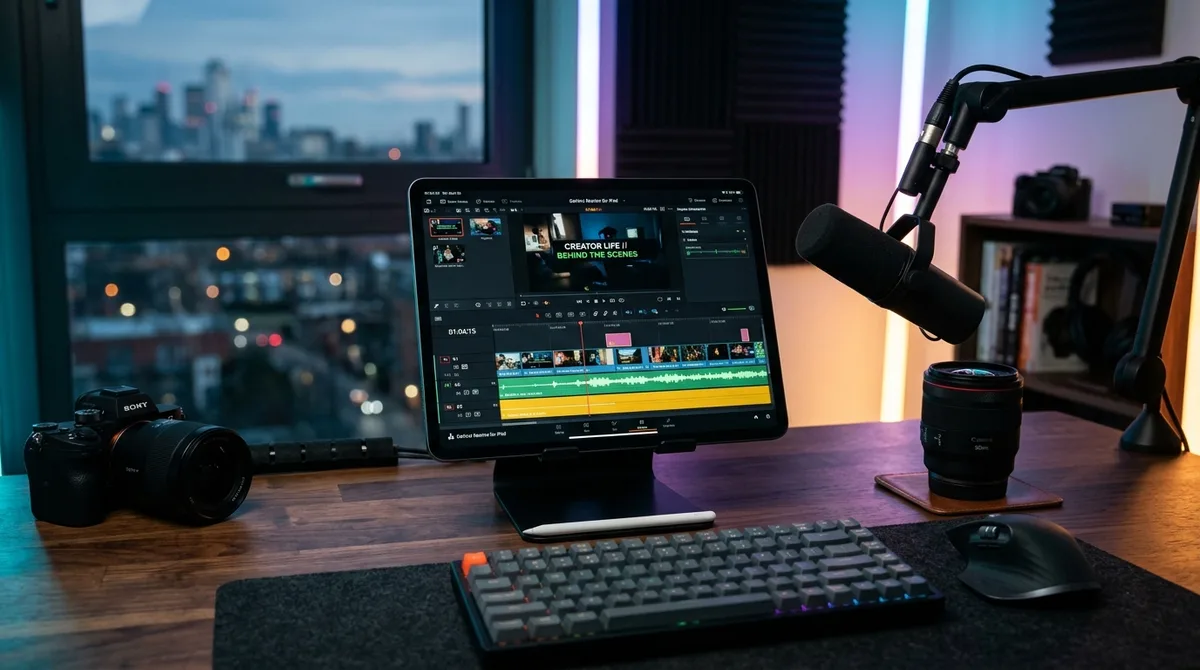
CapCut – The King of Short-Form Mobile Video
Born within ByteDance, CapCut has become the worldwide default video editor for social media content:
- Automated AI Captions: Generates word-level subtitles in over 30 languages with kinetic animations, synchronized emojis, and visual highlight colors.
- Voice Isolation & Audio Denoise: Removes ambient wind, room echoes, and street noise with a single tap.
- Custom Speed Ramping: Effortlessly construct smooth slow-motion sequences using non-linear velocity curves.
- Watermark Policy: The default end-screen logo can be tapped and deleted for free on every single project export.
VN Video Editor – Professional Desktop-Style NLE for Free
If you want an editor that mirrors the clean timelines of Premiere Pro or Final Cut without aggressive subscription prompts, VN is the premier pick:
- Multi-track timeline supporting custom audio beds, picture-in-picture video layers, and text overlays.
- Full support for importing custom 3D LUT files (.cube) to apply cinematic color profiles.
- Clean 4K 60 FPS exports without added watermarks.
🛍️ 3. Web Suites & E-Commerce Asset Production
For marketers and digital entrepreneurs, success hinges on turnaround velocity—transforming raw product photos into high-converting sales collateral.
Photoroom – Sub-Second AI Background Removal
Photographing product inventories against messy real-world backgrounds creates friction for online merchants selling on Shopify, Amazon, eBay, or Etsy. Photoroom automates this completely:
- 0.3-Second Cutouts: Isolates intricate products with edge-detection accuracy, preserving transparent glassware and complex textures.
- AI Virtual Studio Sets: Generates context-aware background environments (marble countertops, warm wooden tables, minimal studio pedestals) with matched directional shadows and ambient reflections.
Canva – Browser-Based Multi-Format Publishing
Operating identically across modern browsers and mobile apps, Canva’s Magic Studio AI allows creators to:
- Instantly reformat horizontal marketing banners into vertical Instagram Stories, print flyers, or email headers without redesigning assets from scratch.
- Produce interactive team presentations, animated social carousels, and promotional video clips with licensed audio.
🧠 4. Generative AI Video & Machine-Learning Upscaling
AI capabilities in 2026 extend far beyond text prompts—they actively salvage compromised footage and synthesize production-grade b-roll.
- Topaz Photo & Video AI: Reconstructs missing pixel structures via neural networks, converting 1080p footage into clean, noise-free 4K masters and repairing camera shake.
- Runway Gen-3 Alpha: Synthesizes brief, cinematic video clips from text or still reference photos, saving thousands of dollars on physical location shoots and stock licensing fees.
💻 Building Custom Photo & Video Apps in 2026
From real-estate portals requiring automatic photo enhancements to vertical video social networks, many businesses need custom visual editing embedded natively in their mobile apps.
Building a responsive, 60/120 FPS multimedia mobile app relies on:
- Flutter Cross-Platform Architecture: Build once for both iOS and Android. With Flutter’s Impeller graphics backend, real-time filters and video transitions compile directly to native GPU APIs (Metal on iOS and Vulkan on Android).
- On-Device FFmpeg Pipelines: Video trimming, transcoding, and compression happen directly on the device processor prior to upload, slashing cloud server bandwidth costs and accelerating delivery speeds.
- On-Device CoreML & TensorFlow Lite Models: Execute background removal and neural segmentation models locally without sending media to external cloud APIs, ensuring strict compliance with GDPR and privacy mandates.
Planning a custom mobile application with embedded image processing, video rendering, or interactive media workflows? Learn more about my Custom Mobile App Development Services or generate a tailored project estimate with the Online Cost Calculator.